
HubSpot
Turn a partial HubSpot contact into a more useful customer profile—without asking your team to leave HubSpot.
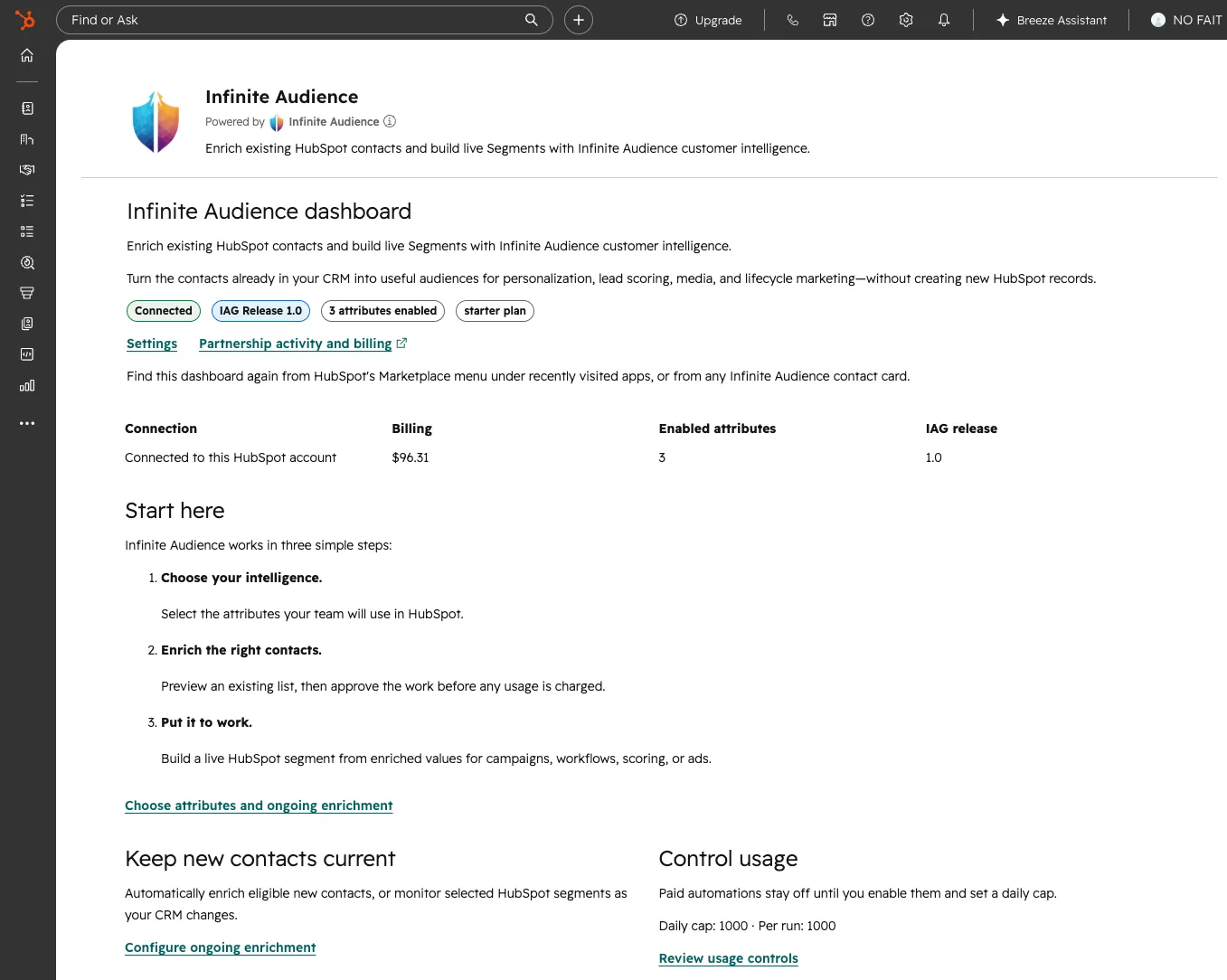
What you can do
Section titled “What you can do”- Enrich a contact from a HubSpot workflow.
- Review identity and enrichment details on the contact record.
- Keep selected contact fields current as new customer signals arrive.
- Save eligible successful matches for audience building in Infinite Audience.
Connect HubSpot
Section titled “Connect HubSpot”- In Infinite Audience, open Connect and choose HubSpot.
- Authorize the HubSpot account you want to use.
- Choose the fields and refresh behavior that fit your team.
- Add the Infinite Audience enrichment action to a HubSpot workflow, or open a contact to use the contact-card experience.
- Track activity in Infinite Audience and review enriched data in HubSpot.
Know what a run costs before it starts
Section titled “Know what a run costs before it starts”Every batch is previewed first: how many contacts are in reach, how many are new to us versus contacts you already own, and the most the run can cost. Nothing starts until you confirm.
Very large portals are previewed in one pass up to a platform limit. If your list is bigger than that, the preview says so rather than quietly reporting a partial number — narrow the list to see a complete picture.
There is no separate spending limit inside HubSpot. Enrichment draws on your Infinite Audience account, so you set the pace in one place — a monthly budget or automatic top-ups under Account → Billing — and HubSpot links you straight there.
HubSpot availability is currently managed. Contact your Infinite Audience team if the connection is not yet shown in Connect.