
Klaviyo
Give Klaviyo flows and campaigns a clearer view of the customer. Infinite Audience can enrich existing profiles, keep selected fields fresh, and record the work in your activity feed.
Set up profile enrichment
Section titled “Set up profile enrichment”- Open Connect, choose Klaviyo, and add your connection.
- Choose which existing profiles are eligible for enrichment.
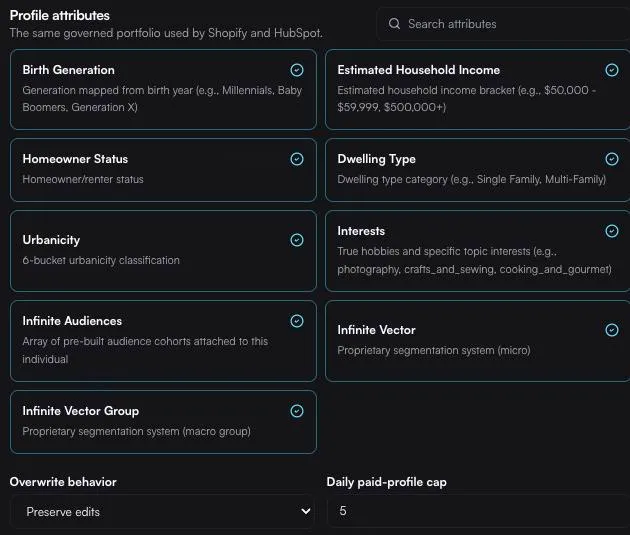
- Select the fields you want written back to Klaviyo.
- Choose a refresh schedule and whether existing values may be replaced.
- Save the settings and monitor runs from the Infinite Audience activity rail.
You control the write-back policy. Keep trusted values, fill only blank fields, or allow selected fields to refresh when newer data is available.
Know what a run costs before it starts
Section titled “Know what a run costs before it starts”Every run is previewed first: how many profiles are in reach, how many are new to us versus profiles you already own, and the most the run can cost. Nothing starts until you confirm.
There is no separate spending limit inside Klaviyo. Enrichment draws on your Infinite Audience account, so you set the pace in one place — a monthly budget or automatic top-ups under Account → Billing — and Klaviyo links you straight there.