
Explore
Size a customer group, compare populations, inspect overlap, and surface the signals that make a segment useful.
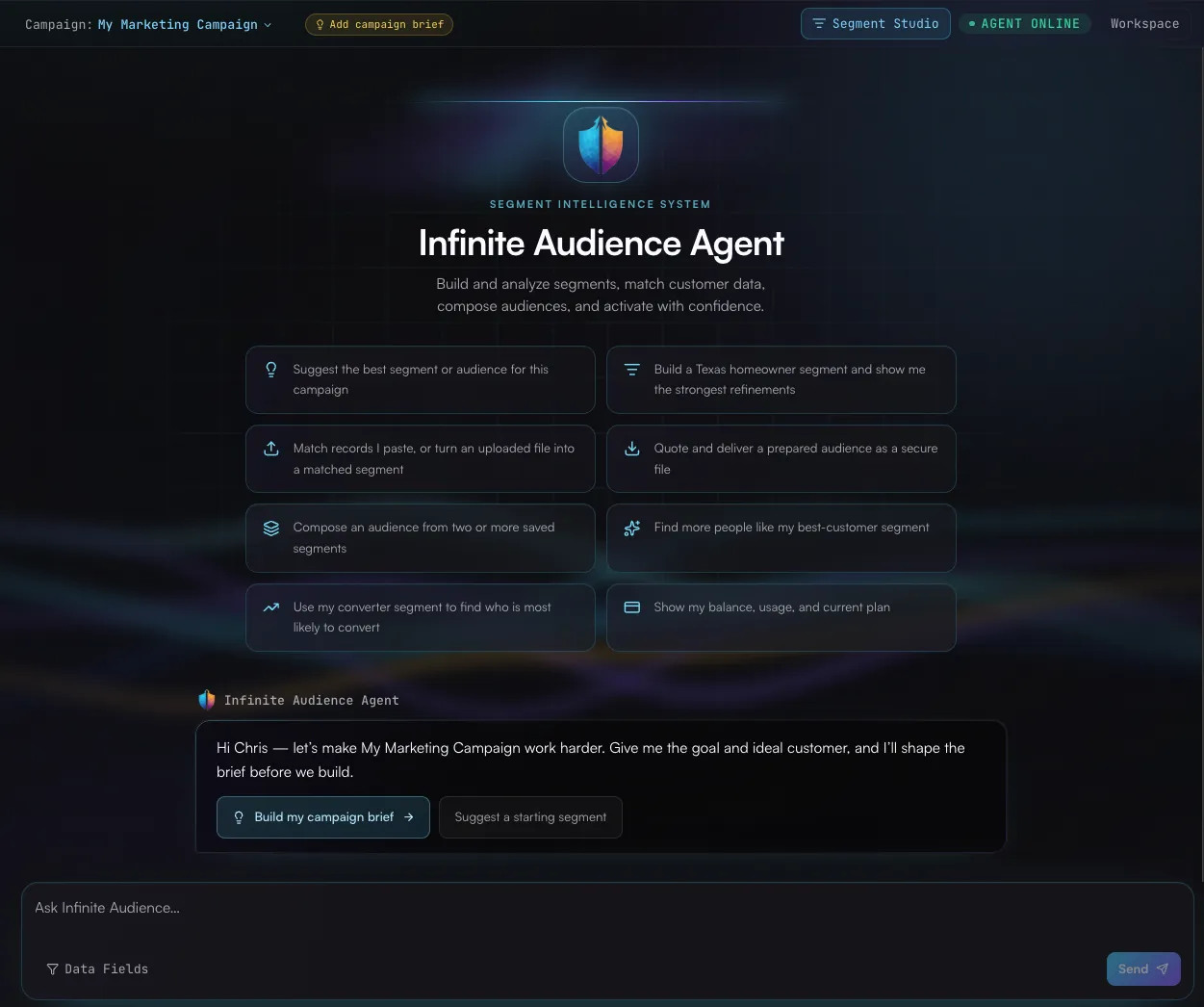
The Infinite Audience Agent gives your team a simpler way to use the platform: describe the outcome, add the right context, and let the agent bring the pieces together.
It is more than a help bubble. The agent works across nearly every day-to-day Infinite Audience workflow—exploration, identity resolution, enrichment, segments, audiences, campaigns, activation, integrations, and account visibility—while keeping the visual workspace in sync.
Explore
Size a customer group, compare populations, inspect overlap, and surface the signals that make a segment useful.
Resolve and enrich
Match individual records or customer files, review mappings, and turn resolved identities into reusable customer intelligence.
Build and organize
Create and refine segments, compose audiences, manage campaigns, and return to work already in motion.
Activate with confidence
Prepare quotes, review destinations, launch approved deliveries, and follow asynchronous work through completion.
Try a prompt like:
I want a sharper retention audience for our California customers.Help me understand the useful signals available, recommend a focused segment,and show me the expected reach before we save or activate anything.The agent checks live platform data instead of inventing counts, fields, prices, balances, or workflow outcomes. It pauses for approval before consequential actions, keeps long-running work asynchronous, and explains results in plain business language.
That gives teams the speed of an AI-first experience without giving up control of spend, delivery, or customer data.
Prefer to work from ChatGPT, Claude, Cursor, Gemini, or another AI client? Infinite Audience also offers an MCP server with a broad catalog of governed tools. Connect once, set the approval boundaries, and bring customer intelligence into the conversations and workflows your team already uses.
For a visual way to shape criteria yourself, continue to Segment Studio.